
Backing up a wedding before the selection: 3-2-1 in practice
The drive home from a Saturday wedding is quiet, but the camera bag on the passenger seat is carrying the whole day. Two bodies, a few memory cards, maybe a laptop. Until you copy those files somewhere else, every frame you made exists in one zipped pocket.
That bag left in the car while you grab late-night fuel, or parked by the front door until Monday, is the riskiest moment of the job. The stretch between the last dance and the couple's selection is when the raw files have the fewest copies. What happens after delivery (download windows, who archives) is a separate topic, covered in Your client gallery is not their archive. This post is about the first nights, before you even start culling.
What 3-2-1 means for a wedding
The rule is spelled out in Data Backup Options (US-CERT, 2012), a paper Carnegie Mellon produced for US-CERT:
- 3 copies of any important file: 1 primary and 2 backups
- on 2 different media types
- 1 copy offsite, outside your home or business
The same paper makes two points that matter for photographers. Removable media are portable, which makes them prone to loss or theft. And rolling backups may spread corruption and malware from the primary files to the backups. A folder that mirrors every change in real time is not an independent second copy.
Backblaze, a cloud backup vendor, argues in its explainer on 3-2-1 that today two different devices matter more than two different media types: a computer, an external drive and a copy in the cloud. It also suggests keeping the offsite copy ideally more than a few miles from the other two.
For a wedding, the goal is simple. Get to three copies, one of them out of the house, as early as you can.
Two card slots are not an offsite copy
Many bodies can write every frame to both cards at once. One example (menus differ by brand and model): the Canon EOS R6 Mark II manual describes "Rec. to multiple", which records each still to both cards in the same quality and with the same file number. When one card fills up, shooting stops, so size both cards for the day.
Dual recording protects you if a single card fails during the ceremony. After the shoot it is a different story. Two cards in one camera, in one bag, share every physical risk: theft, a drop into water, a bag left behind at the venue. Treat the second slot as a safety net during the day, not as your backup plan for the week.
The wedding night routine
Don't leave the bag packed overnight. Copy the files when you get home, even if it's late.
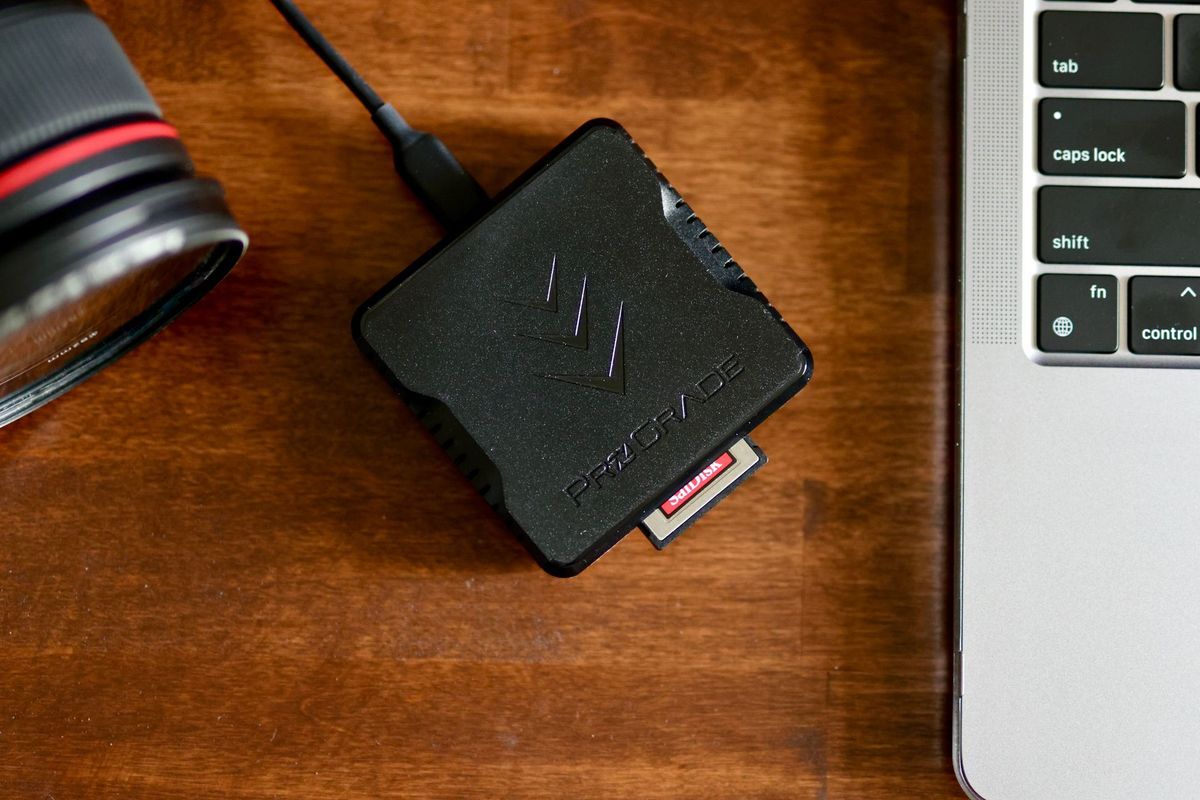
- Primary copy. Put the cards in a reader and copy the raw files to your working drive.
- Second copy on a separate drive. Copy the same folder to an external drive. Label it with the wedding date and the couple's names.
- Check before you trust it. A finished progress bar is not a check. Compare the file count and folder size with the card, then open a handful of raw files from across the day (prep, the dark reception, speeches) to make sure they open.
- Third copy, offsite. Start the cloud upload before you go to sleep, or take a drive to another location the next day.
- Leave the cards alone. Don't format them yet. Keep them in a card wallet away from the desk. They stay your fallback until the offsite copy has finished and been checked.
When you do clear cards for the next wedding, format them in the camera. The Fujifilm X-T2 manual, for example, says to reformat cards after using them in a computer or other device.
Keep a log and test a restore
CISA's backup guidance for small businesses boils down to a few habits: take inventory of what you protect (it says a simple spreadsheet can help), follow 3-2-1, test that you can restore data fully and partially, and write your procedure down.
A wedding log needs only a few columns:
- wedding date and couple
- cards used
- date copied to the working drive
- external drive label and where it is
- date the offsite copy finished and was checked
- date the cards were formatted
For the restore test, pick a folder from an older job every few months. Download it into an empty folder from the backup drive or the cloud, open it in your editor and export one image. A backup you have never restored from is a guess.
Where PixiProof fits
PixiProof is for proofing and delivery. It is not a long-term backup of your full-resolution files. Our terms say it plainly: keep your own copies of originals. After processing, PixiProof may remove selection originals from storage, and the gallery keeps working on previews.
A gallery also has an end date. It expires after the period you choose (1, 3 or 12 months), and you get an email before that with an option to extend it. The periods are listed on the pricing page. So the client gallery never counts as one of your three copies.
FAQ
Can I format the cards as soon as the files are on my computer?
Better not. Wait until the second local copy exists and the offsite copy has finished. Until then, the cards are one of your copies.
Does an automatic cloud sync count as a backup?
Not on its own. A sync copies changes, including a deleted or damaged file. The US-CERT paper warns that rolling backups can carry corruption into the backup. Check whether your service keeps earlier versions, and keep at least one copy that isn't synced.
Should I format cards in the camera or on the computer?
In the camera. Check your own manual; Fujifilm's, for one, asks you to reformat after a card has been used in a computer.
Once the three copies are in place, send the couple their selection gallery. Your first PixiProof gallery up to 1 GB is free, no card needed.