
Fit more photos into a 1 GB proofing gallery — optimization guide
Why optimization pays
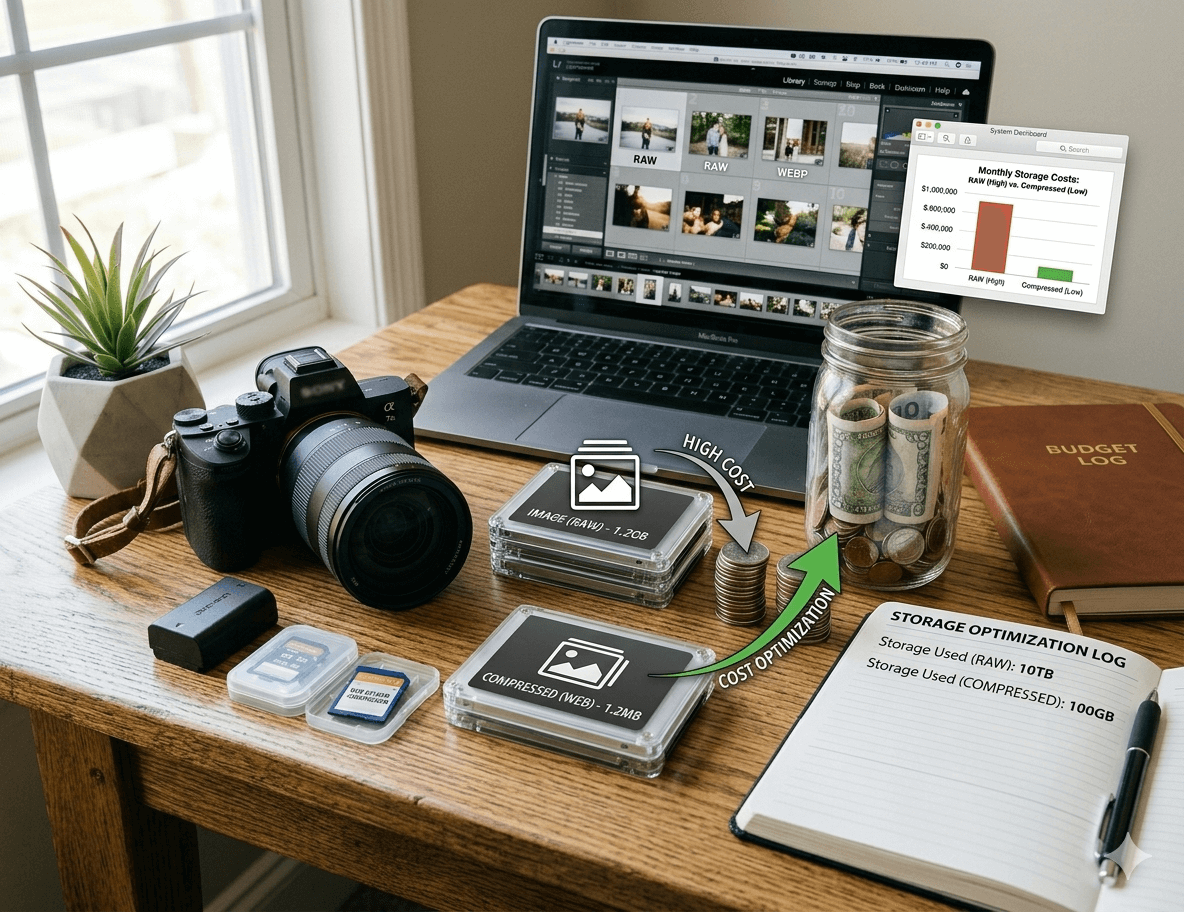
A single RAW can weigh 20–40 MB — only twenty-five to fifty files per gigabyte. Proofing does not need raw data or print megapixels. With sensible export settings, the same 1 GB can hold hundreds (even 800+) of frames.
1. Export JPEG (or WebP), never upload RAW
Clients review on screens. RAW→JPEG often shrinks ~25 MB to ~1–2 MB — an order-of-magnitude win. In Lightroom: JPEG quality ~75–80%.
2. Cap long edge around 2048 px
Phones and laptops rarely need 6000 px widths for proofing. 2048 px on the long edge still looks crisp on 4K while shrinking bytes.
3. Try WebP where your toolchain allows
WebP often saves ~30% versus JPEG at similar perceived quality — more photos in the same quota.
4. 75–80% quality is the sweet spot
“100% quality” rarely improves on-screen proofing but inflates files. 75–80% is the usual trade-off photographers standardize on.
5. Cull before upload
Do not upload eight hundred bursts. Remove misses and duplicates first — fewer files, faster client decisions.
“After switching to 2048 px JPEG at 80%, one gigabyte holds ~600 picks instead of ~40 — same plan cost, better economics.” — PixiProof photographer.
Checklist before upload
- JPEG/WebP, not RAW
- Quality 75–80%
- Long edge ~2048 px
- Pre-cull to your best set
You save storage; clients get snappier loads. That is the whole point of modern proofing pipelines.